Week 1: Computer Fundamentals


Class 1
Computer Basic Introduction
- Definition & Purpose
- Hardware vs Software পার্থক্য
- Desktop, Laptop, All-in-One
- Input & Output Devices


Class 2
Internal Components Overview
- Motherboard, CPU & RAM
- Storage Devices (HDD & SSD)
- SMPS (Power Supply) পরিচিতি
- Internal Differences


Class 3
Ports, BIOS & Basic Concepts
- USB, HDMI, VGA, LAN Ports
- BIOS & Booting Process
- CMOS Battery কাজ
- Basic Troubleshooting
Week 2: Hardware Identification & Disassembly


Class 4
Desktop Hardware Identification
- Desktop পার্টস সনাক্ত করা
- Motherboard বিস্তারিত
- CPU, RAM, HDD/SSD
- Cable Management


Class 5
Laptop Disassembly
- Step by Step খোলার পদ্ধতি
- Battery & Cooling Fan
- Keyboard & Touchpad
- Ribbon Cable Handling


Class 6
Power System & Safety
- Voltage Measurement
- Multimeter Usage
- ESD Safety (Static Protection)
- Thermal Paste Apply
Week 3: Software & OS Installation

Class 7
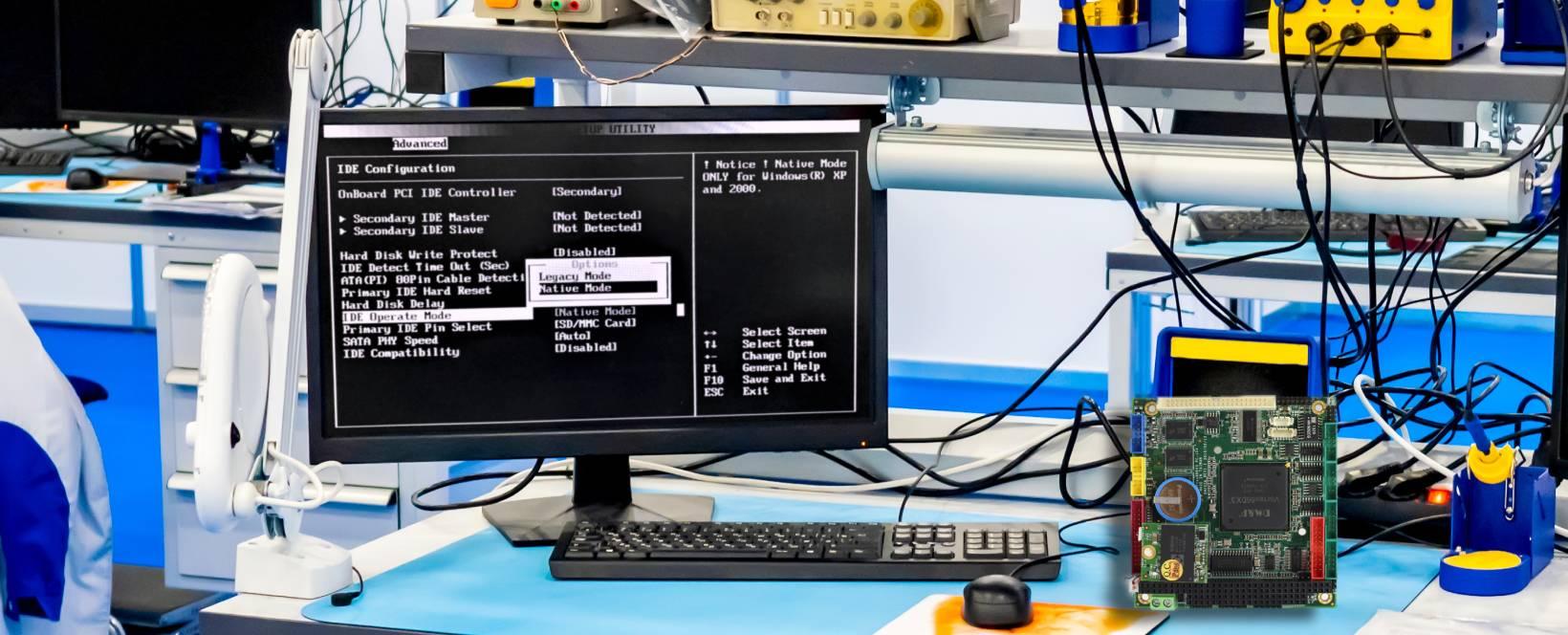
Windows Installation & Bootable USB
- Operating System Basics
- Bootable USB (Rufus)
- BIOS/Boot Menu Settings
- Partition & Format

Class 8
Driver & Software Installation
- Driver Fix (Graphics/Audio)
- Device Manager Usage
- Microsoft Office & Chrome
- Antivirus Setup


Class 9
Software Troubleshooting
- Slow PC Problem Fix
- Disk Cleanup & Optimization
- Virus & Malware Removal
- Windows Maintenance
Week 4: Basic Troubleshooting & Maintenance

Class 10
Basic Fault Diagnosis
- No Power / No Display
- RAM Cleaning & Reset
- Beep Code Analysis
- Fault Diagnosis Method


Class 11
Cleaning & Maintenance
- Dust Removal (Internal)
- Cooling Fan Servicing
- Overheating Fix
- Proper Maintenance Tips

Class 12
Replacement & Business
- Keyboards & Battery Change
- Repair Costing Idea
- Customer Handling
- Small Business Guide