

Class 1: Basic Electronics Foundation
- Voltage, Current, and Resistance basics.
- Ohm’s Law practical uses.
- Differences between Series and Parallel circuits.
- Basic understanding of voltage flow on a real motherboard.


Class 2: Electronic Components Identification
- How to identify Resistors, Capacitors, and Coils.
- Functions of Diodes (Normal & Zener).
- MOSFET structure and basic functions.
- Reading SMD component markings.

Class 3: Multimeter & Soldering Practical
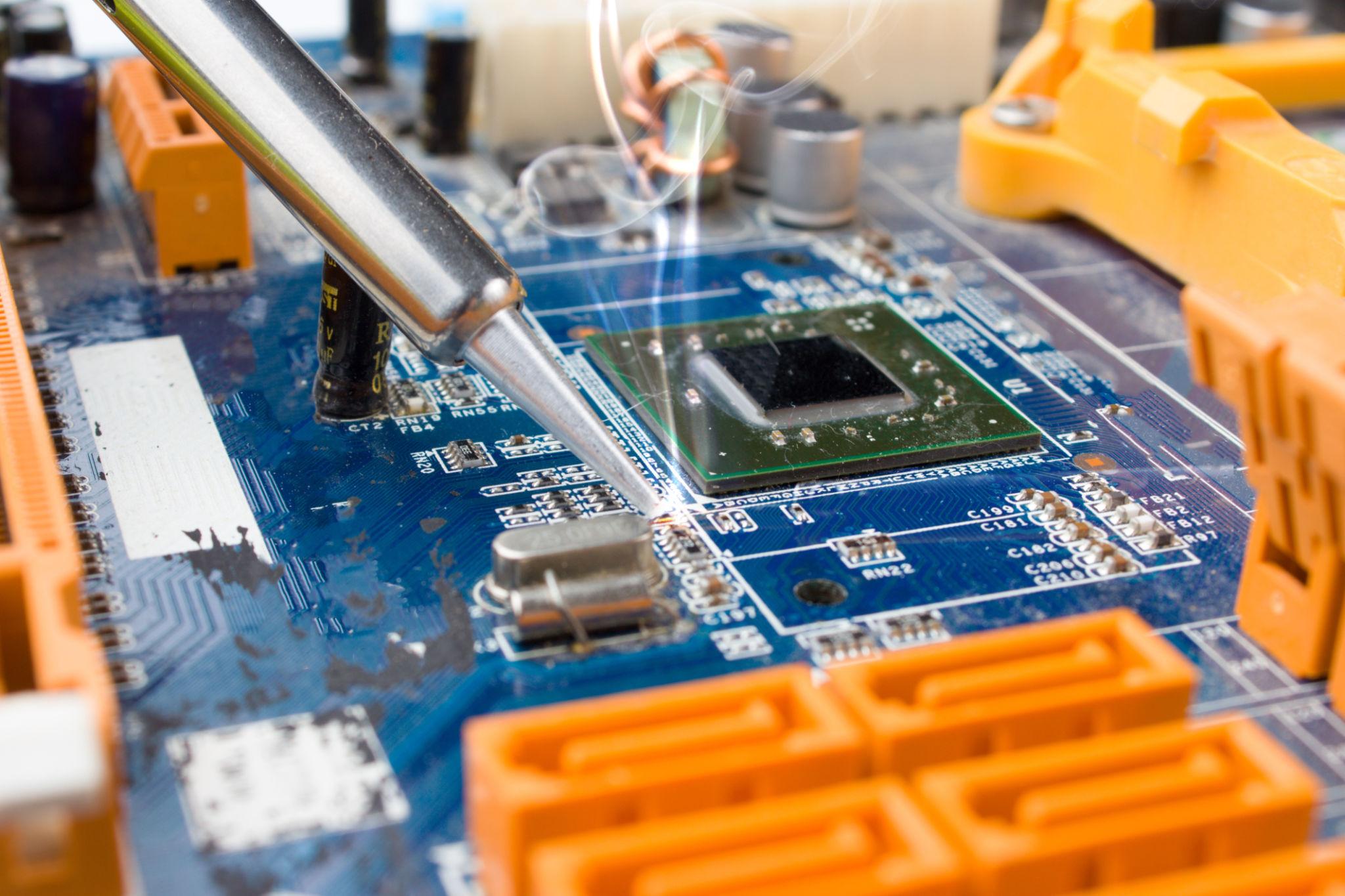
- Multimeter full use (Voltage, Diode, Continuity).
- Resistance measurement techniques.
- SMD Soldering and desoldering basics.
- Hot air rework station safety rules.


Class 4: Desktop Motherboard Overview
- ATX and Micro ATX board architecture.
- Identifying CPU, RAM, and PCI sections.
- Chipset and Controller locations.
- On-board ports and connector pinouts.


Class 5: Chipset (PCH) & Architecture
- Evolution from Northbridge to PCH.
- Platform Controller Hub (PCH) functions.
- Data communication bus systems.
- How CPU communicates with peripherals.

Class 6: CPU VRM & RAM Circuit
- Voltage Regulator Module (VRM) analysis.
- Understanding Phases and PWM Controllers.
- RAM power supply architecture.
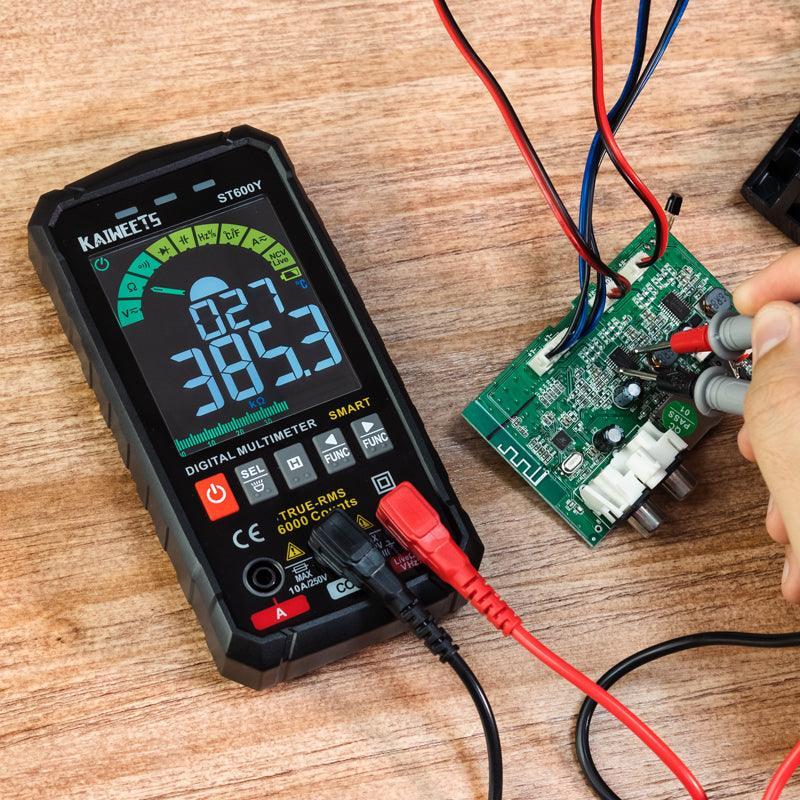
- Measuring core voltages.


Class 7: BIOS & CMOS Circuit
- BIOS Chip identification and role.
- CMOS battery and RTC circuit flow.
- Clear CMOS and Hardware reset methods.
- BIOS Power-On Self Test (POST).

Class 8: SMPS Deep Analysis
- Switch Mode Power Supply working logic.
- Analyzing 12V, 5V, and 3.3V rails.
- Power Supply protection circuits.
- Testing SMPS under load conditions.


Class 9: Voltage Line Analysis
- Identifying primary and secondary rails.
- Standby voltage (5VSB) tracing.
- Short circuit detection on rails.
- Step-down voltage conversion logic.

Class 10: Power ON Sequence & PG Signal
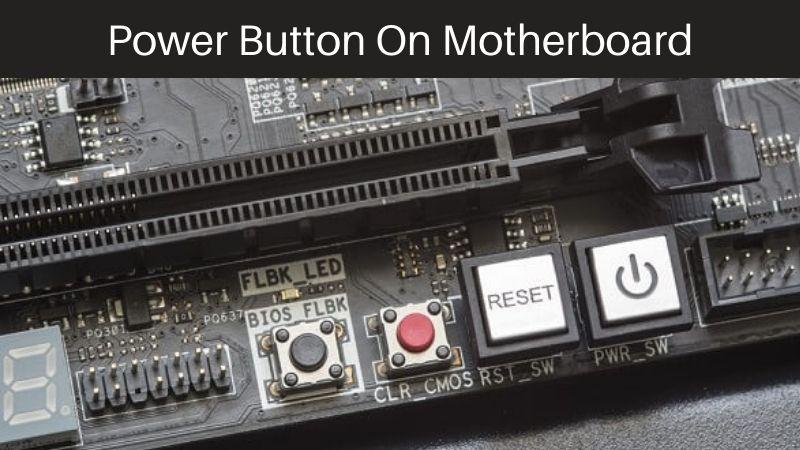
- Step-by-step motherboard power-up flow.
- The importance of Power Good (PG) signal.
- SIO (Super I/O) controller role in power.
- Troubleshooting sequence failures.


Class 11: Clock & Reset Signal
- Clock Generator IC and frequency.
- Platform Reset (PLTRST) logic.
- Crystal oscillator testing.
- Timing synchronization between CPU/PCH.

Class 12: No Power Problem
- Diagnosis flow for dead motherboards.
- Input MOSFET and Fuse testing.
- SIO chip failure symptoms.
- Finding short circuits with DC power supply.


Class 13: No Display & Beep Code
- Analyzing "Fan Spinning but No Display".
- Decoding BIOS beep codes.
- Diagnostic Card usage.
- VGA/HDMI/LVDS circuit checking.


Class 14: CPU, RAM & Slot Fault
- Detecting faulty CPU sockets.
- RAM slot voltage and signal testing.
- PCI-e slot and data lane repair.
- Physical slot cleaning and restoration.

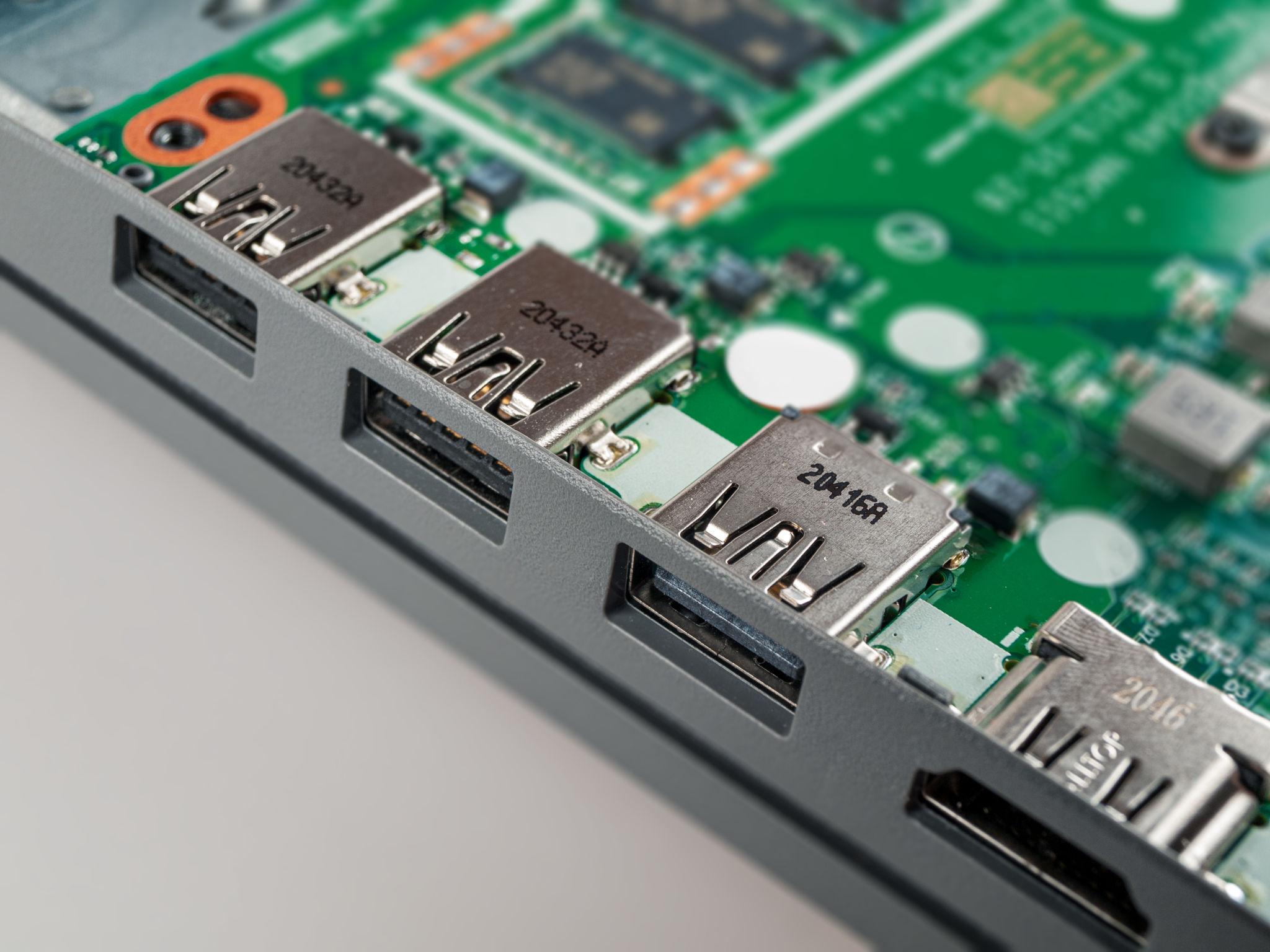
Class 15: USB, LAN & BIOS Problem
- USB data line protection and repair.
- LAN controller failure diagnosis.
- BIOS corruption symptoms.
- Peripheral I/O troubleshooting.

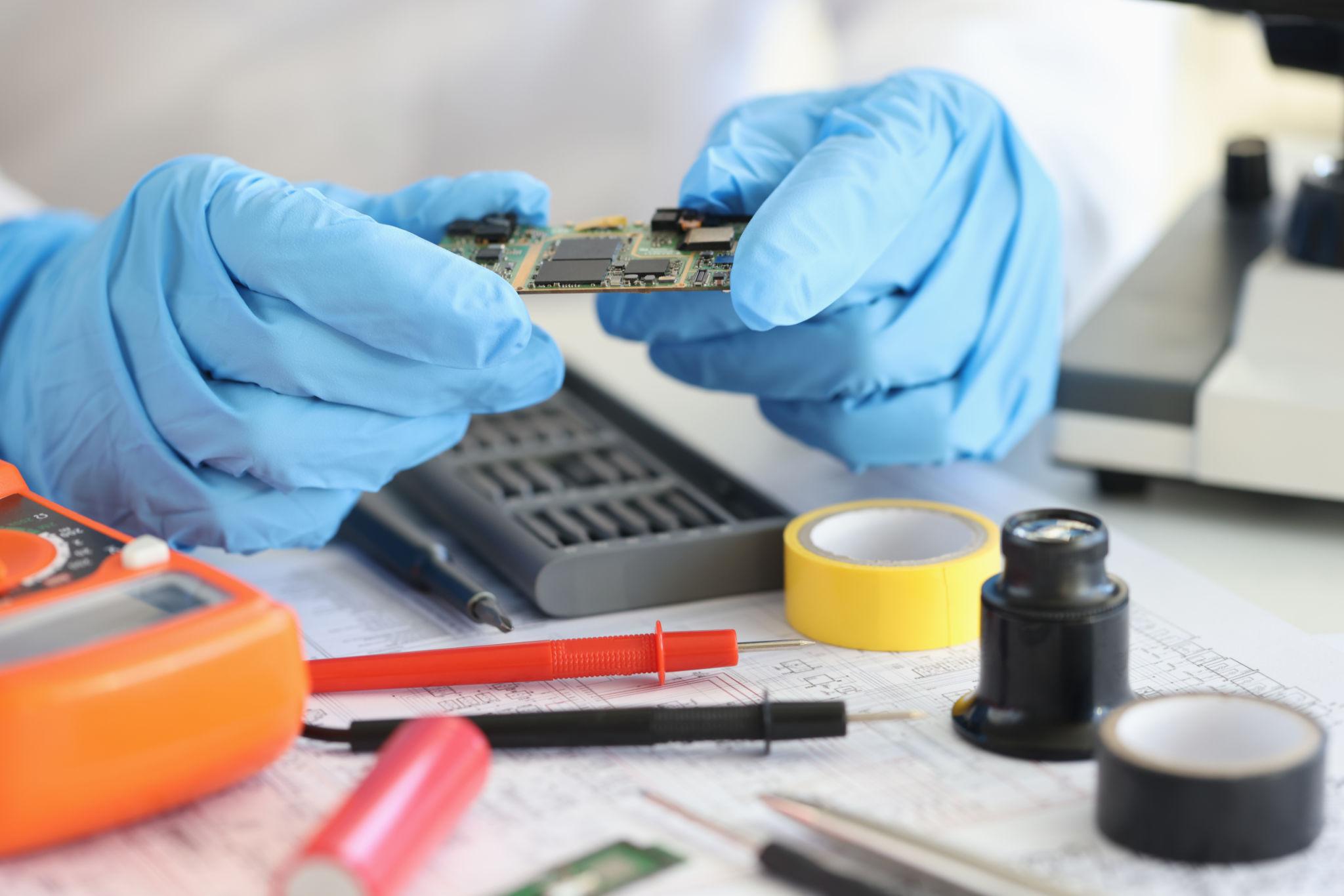
Class 16: MOSFET & Capacitor Repair
- Removing and replacing SMD MOSFETs.
- Electrolytic vs Tantalum capacitor replacement.
- Repairing damaged copper pads/tracks.
- Heat management during soldering.


Class 17: BIOS Programming + Schematic
- Using CH341A/RT809H BIOS Programmers.
- Introduction to Motherboard Schematics.
- Boardview software for component locating.
- Practical line tracing from circuit diagrams.


Class 18: Live Repair & Business Setup
- Real-time troubleshooting of faulty boards.
- Client communication and billing strategies.
- Essential tools list for a professional workshop.
- Building a long-term repair service brand.