
Week 1: Computer Fundamentals
Class 1


Basic Introduction
- কম্পিউটার কি? (Definition)
- Hardware vs Software পার্থক্য
- Computer এর ধরন (Desktop, Laptop)
- Input & Output Devices
Class 2
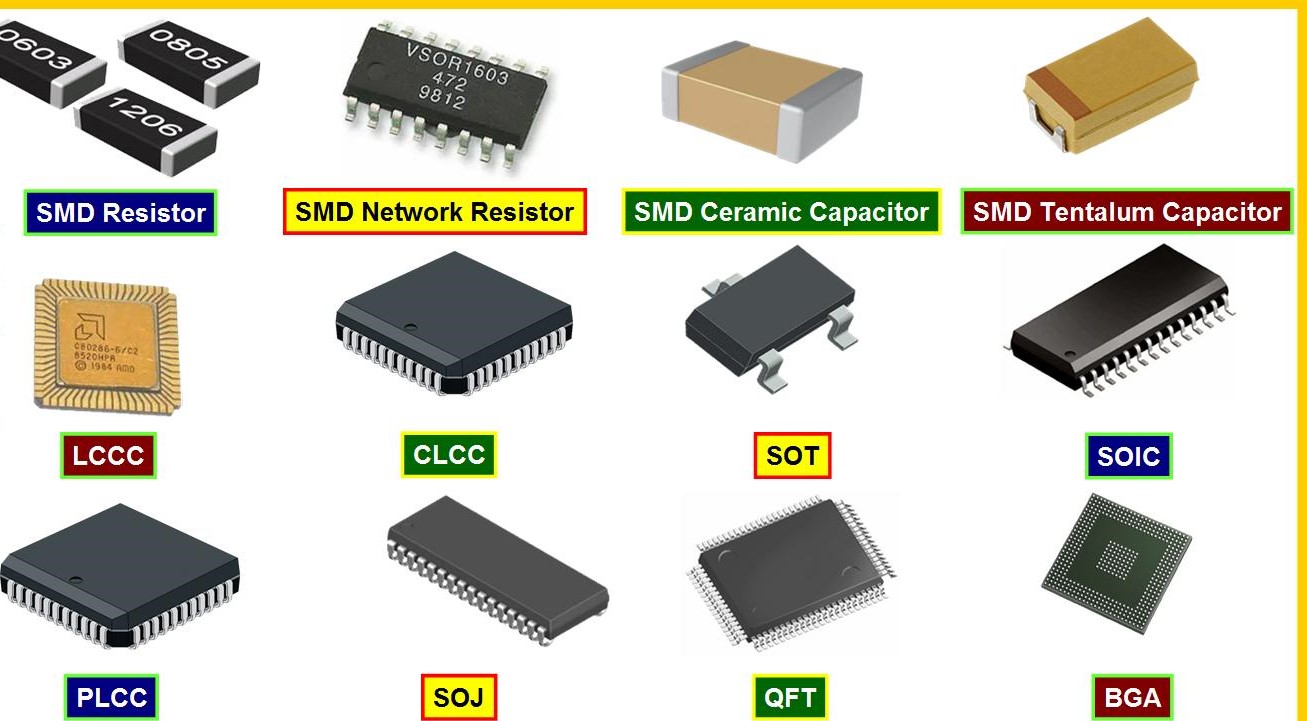

Internal Components
- Motherboard ও CPU কি
- RAM কি এবং এর কাজ
- Storage (HDD & SSD)
- SMPS ও Laptop vs Desktop
Class 3
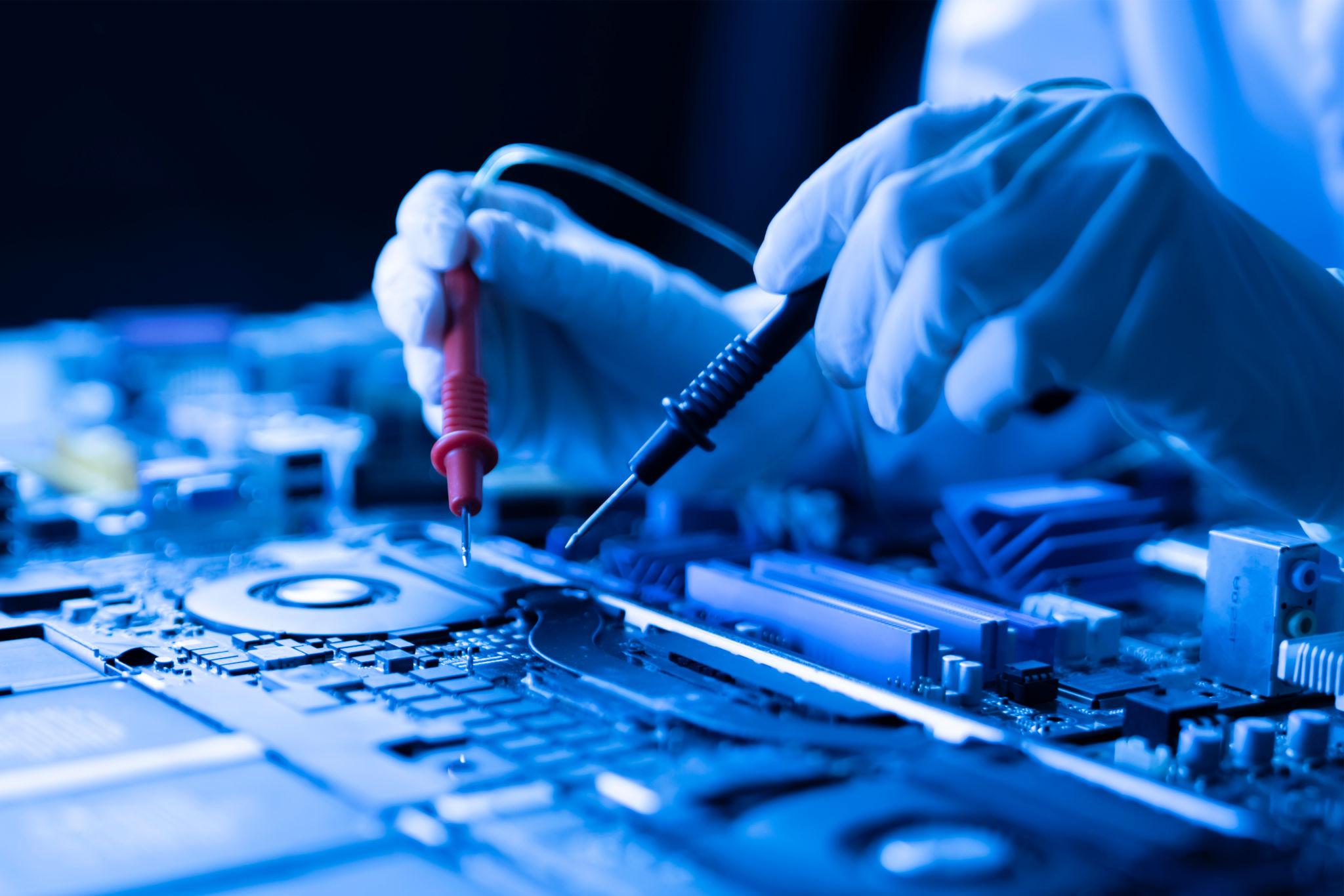
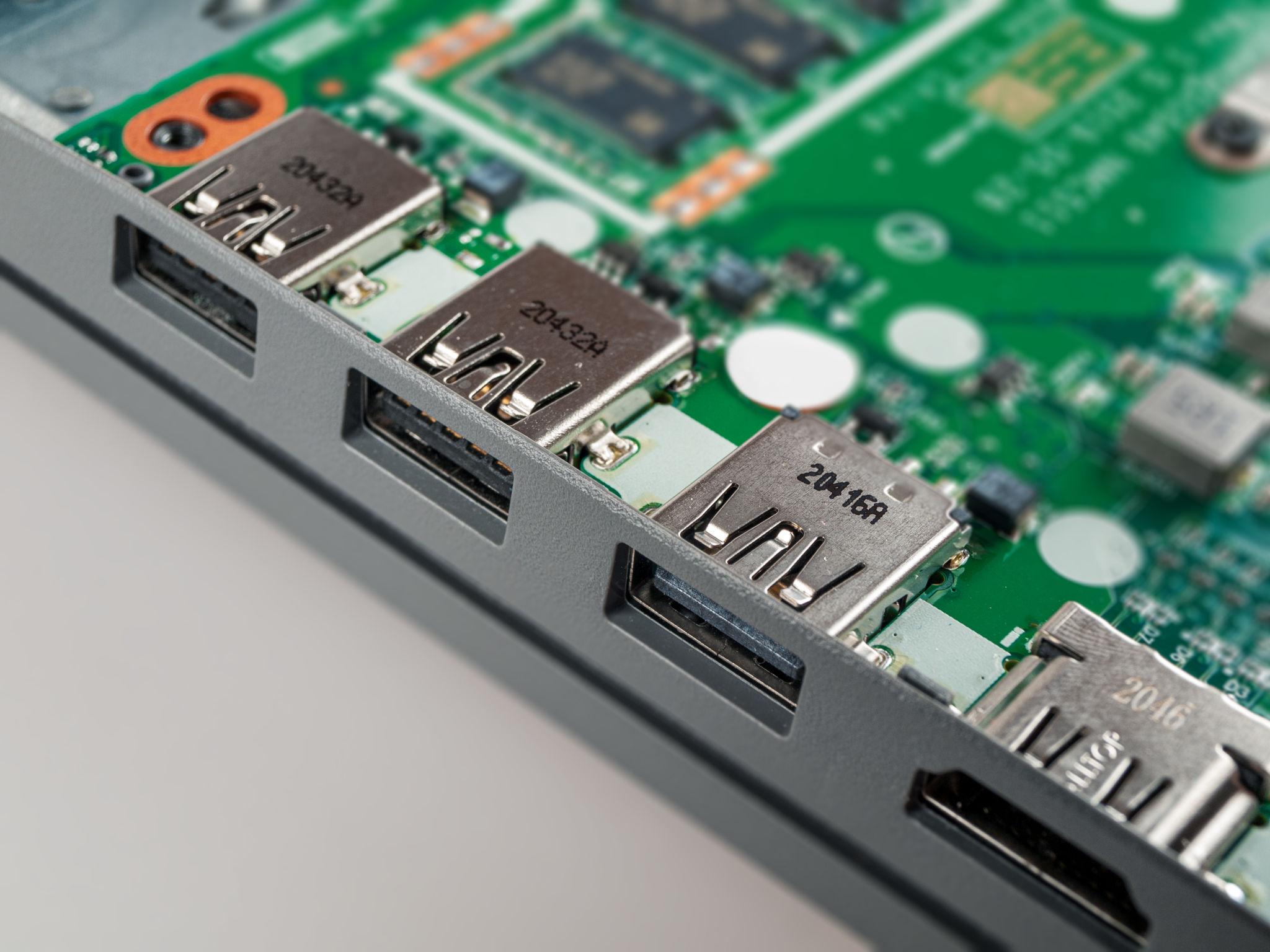
Ports & BIOS
- Computer Ports (USB, HDMI, LAN)
- BIOS কি? Booting Process
- CMOS Battery কাজ
- Basic Troubleshooting intro
Week 2: Hardware Identification
Class 4


Basic Electronics
- Voltage, Current, Resistance
- Ohm’s Law practical use
- Series ও Parallel circuit
- Ground, Positive, Negative
Class 5

Electronic Components
- Resistor, Capacitor, Coil
- Diode (Normal & Zener)
- MOSFET basic কাজ
- SMD component marking
Class 6


Multimeter Use
- Multimeter parts & function
- Voltage measurement (DC)
- Diode mode component check
- Continuity short detect
Week 3: Tools & Motherboard
Class 7

Soldering & Tools
- Soldering iron ব্যবহার
- Hot air IC remove
- Flux, solder wire ব্যবহার
- ESD protection rules
Class 8
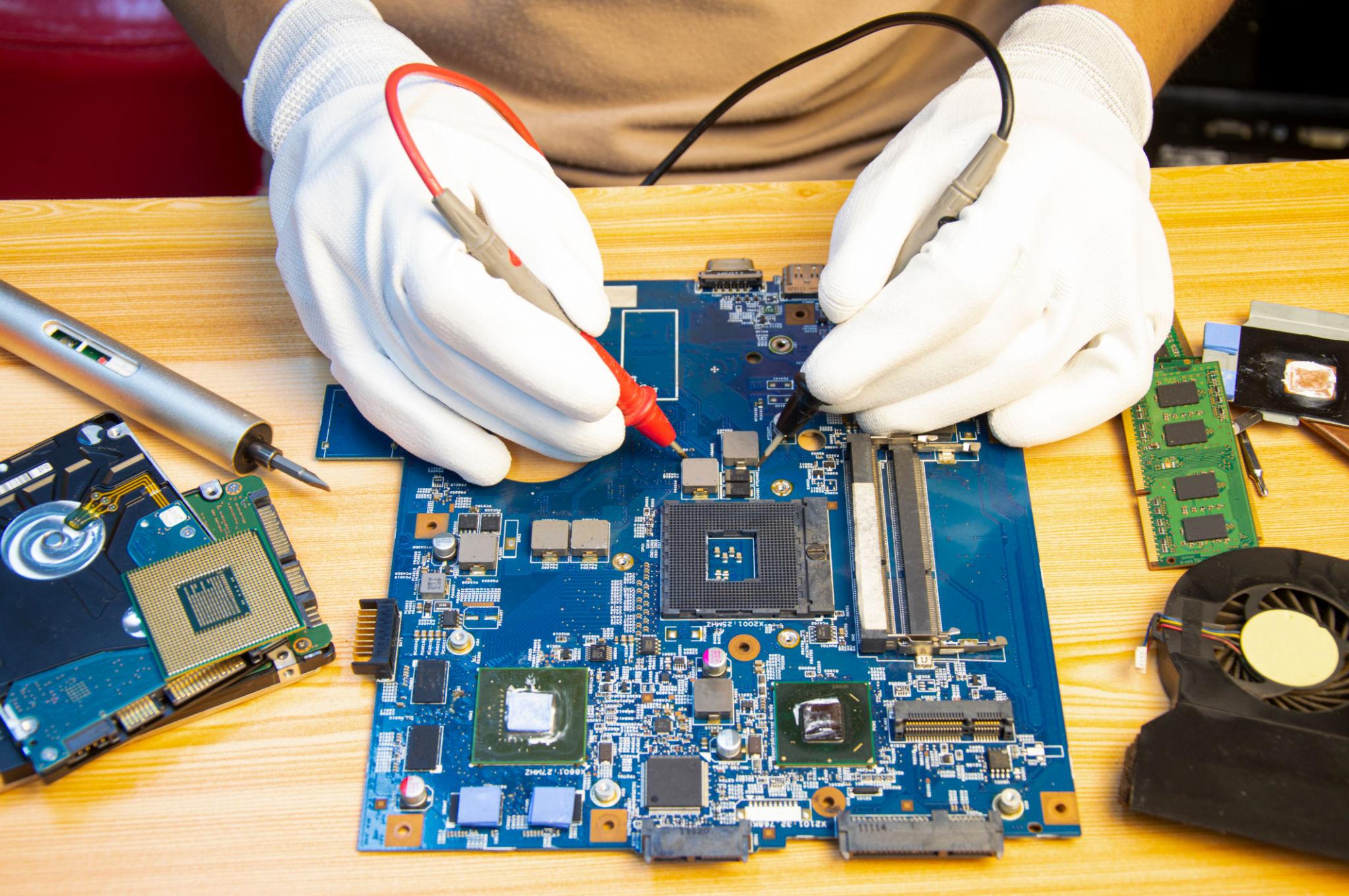

Motherboard Overview
- Motherboard layout
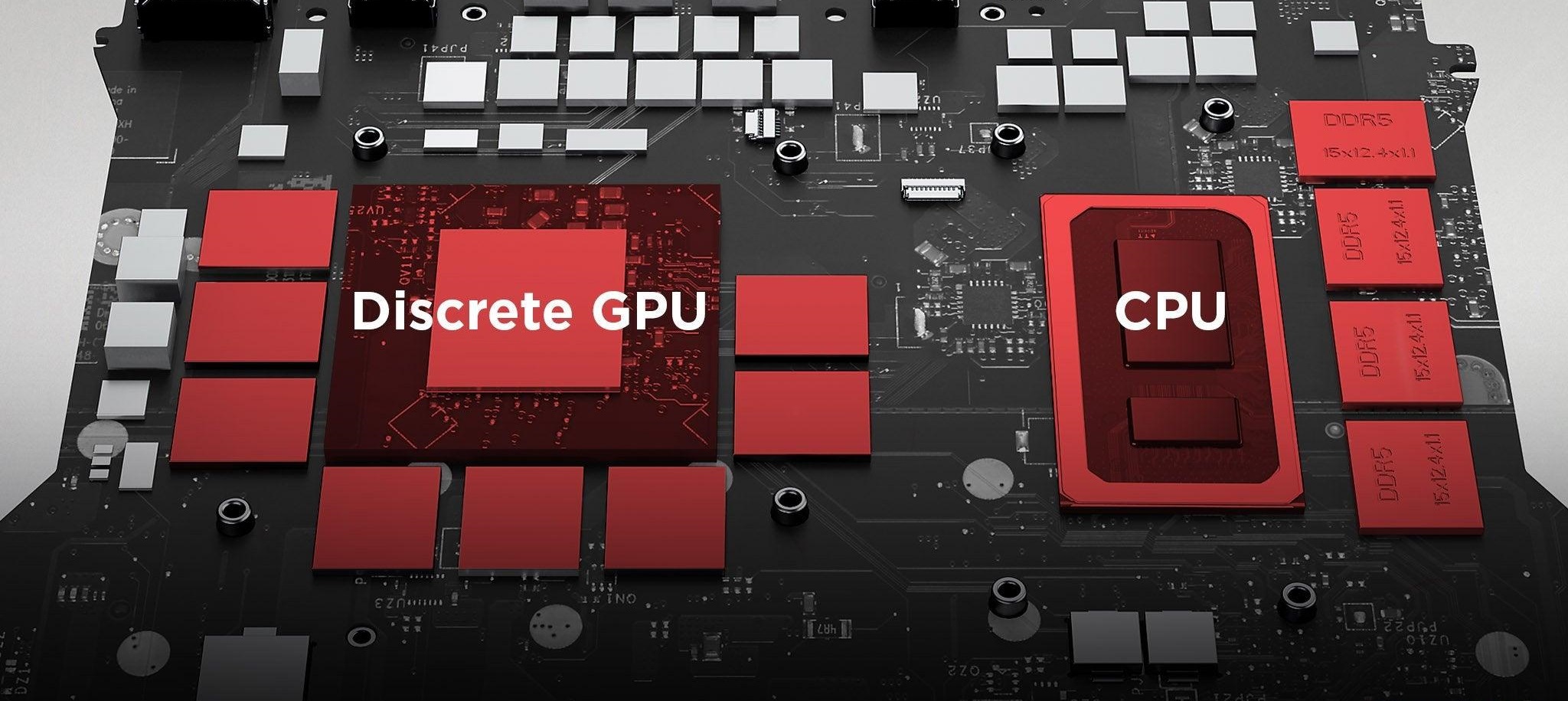
- Main sections (Power, CPU, RAM)
- IC location identify
- Connectors (USB, Display)
Class 9


Block Diagram
- Block diagram কি
- Data flow (CPU-RAM-Storage)
- Signal flow বুঝা
- Practical board matching
Week 4: Controller & Power
Class 10

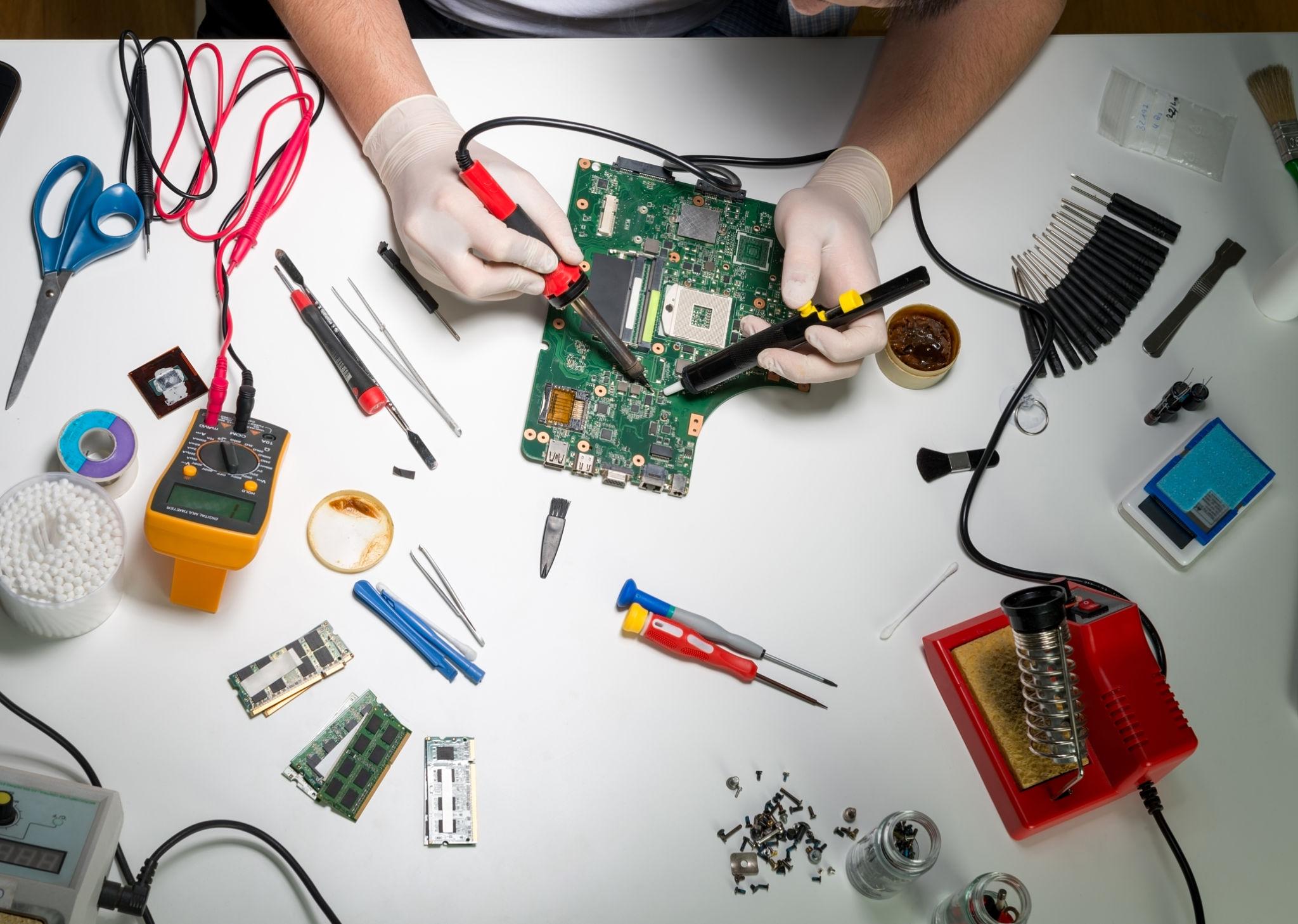
BIOS & EC IC
- BIOS IC কাজ
- EC (Embedded Controller)
- Main controller IC চিনা
- BIOS location identify
Class 11

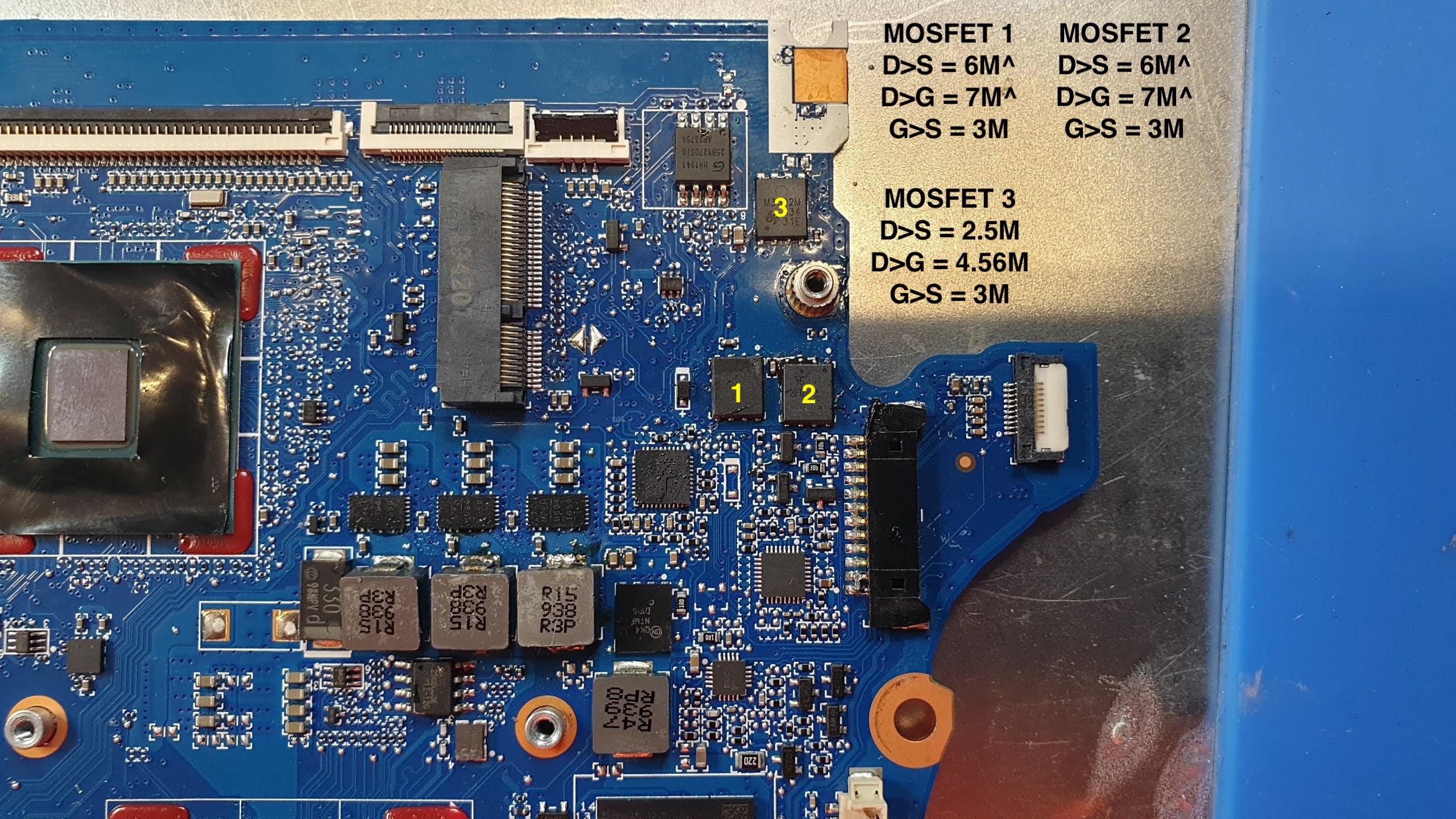
Power Section
- CPU power section
- GPU circuit basic
- RAM slot circuit
- Data communication
Class 12

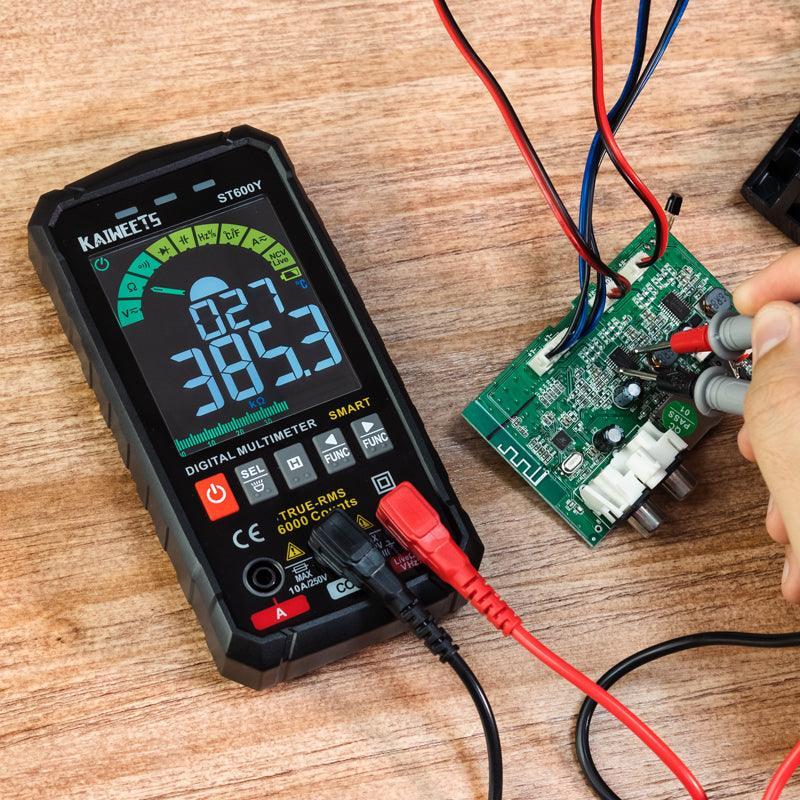
Power Sequence
- Laptop ON হওয়ার স্টেপ
- Power button signal flow
- Sequence failure impact
- Basic voltage tracking
Week 5: Voltage & Charging
Class 13

Always ON Circuit
- 19V input line
- 3V / 5V always ON
- Standby voltage concept
- Voltage line tracing
Class 14


Charging Section
- Adapter input flow
- Charging IC কাজ
- Battery charging process
- Common charging fault
Class 15

Power Rail Tracking
- Line tracing method
- Short location detect
- Board tracking practice
- Practical measurement
Week 6: Diagnosis & Faults
Class 16
No Power Problem
- Step-by-step check
- Input to MOSFET flow
- Common dead causes
- Fault identify method
Class 17
Short Detection
- Short circuit identification
- Detection method
- Voltage injection basic
- Practical dead short solve
Class 18

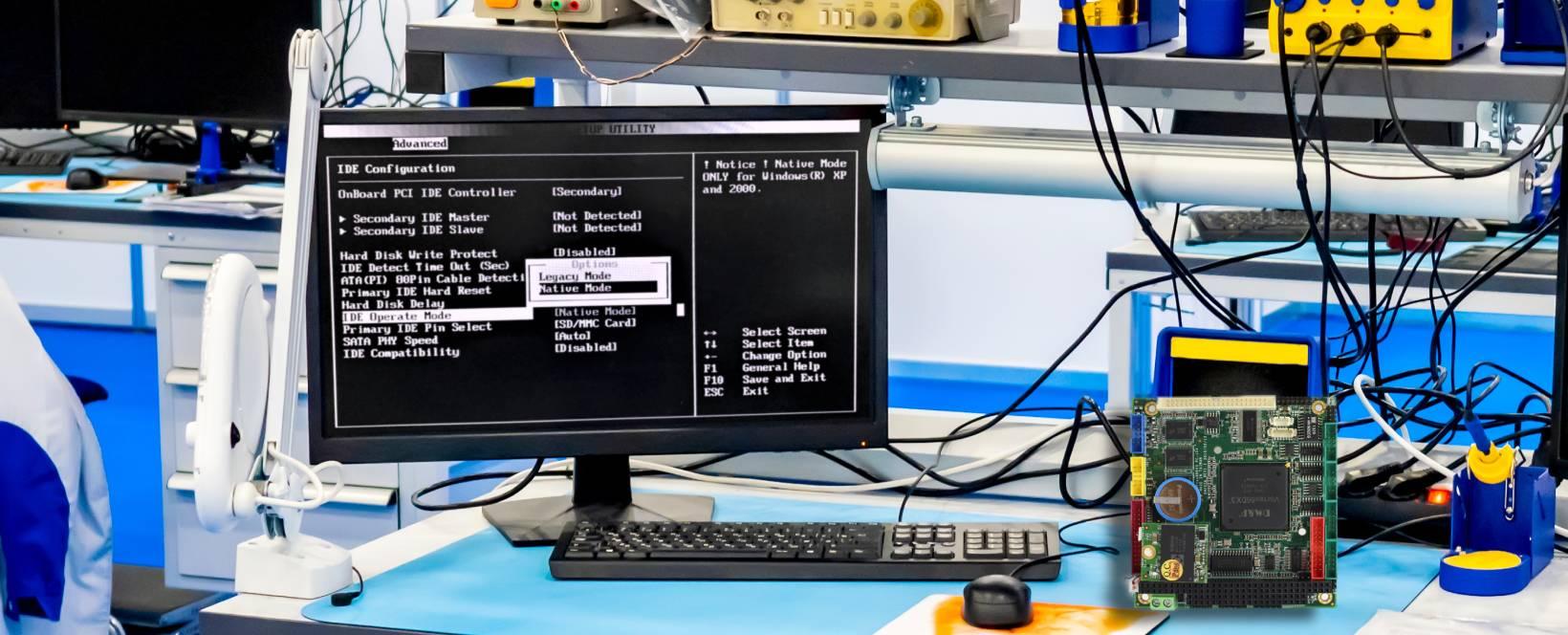
No Display Issue
- Display signal flow
- GPU / RAM issue
- Connector fault check
- Display cable mapping
Week 7: Advanced Repair
Class 19
Restart & Peripheral
- Overheating causes
- CPU thermal issues
- USB & Audio faults
- Touchpad issue diagnosis
Class 20
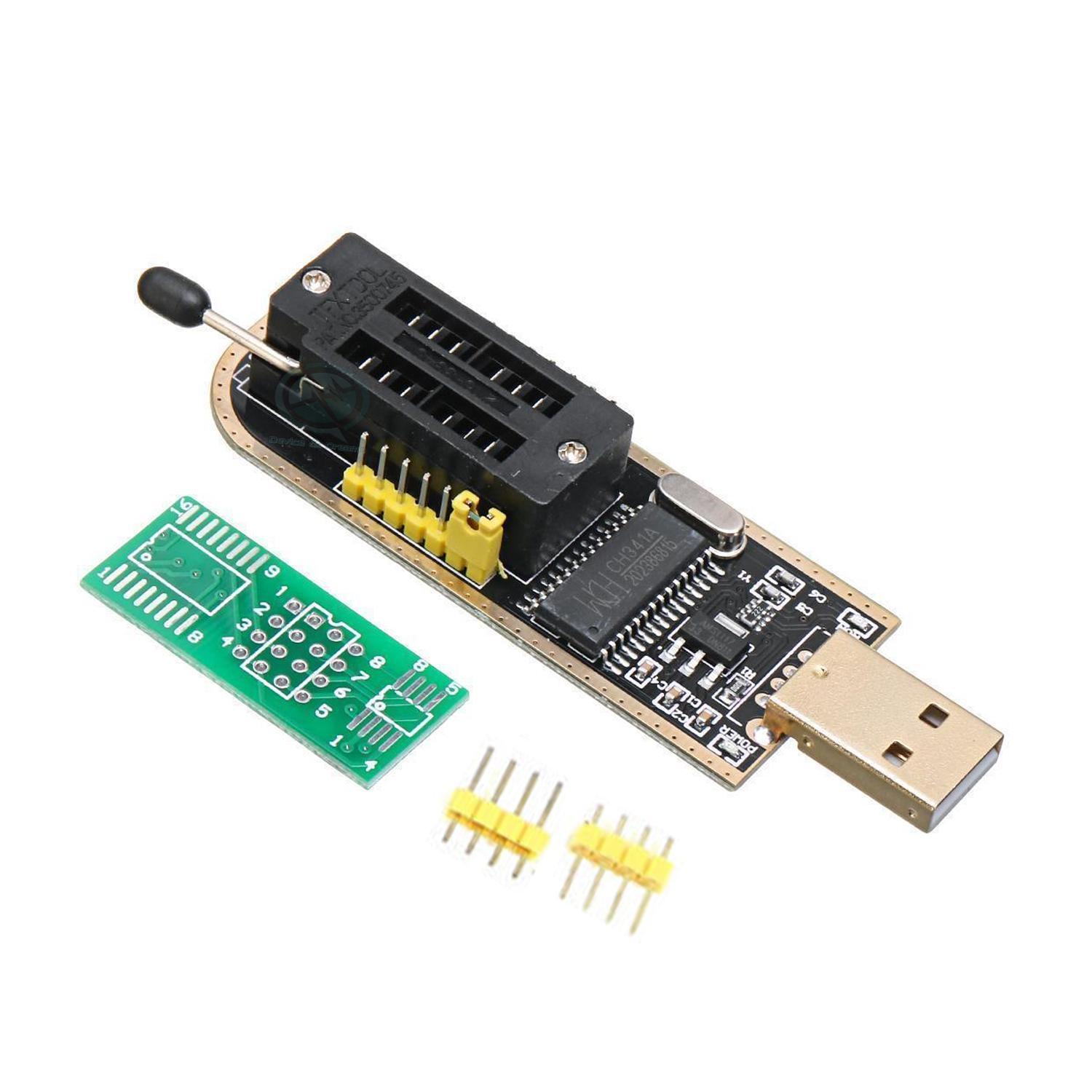

BIOS & IC Replace
- BIOS corruption fix
- BIOS reset & programming
- MOSFET replace technique
- IC replacement practical
Class 21

Schematic Reading
- Schematic line tracing
- Boardview software use
- Component location find
- Real board matching
Week 8: Practical & Business
Class 22
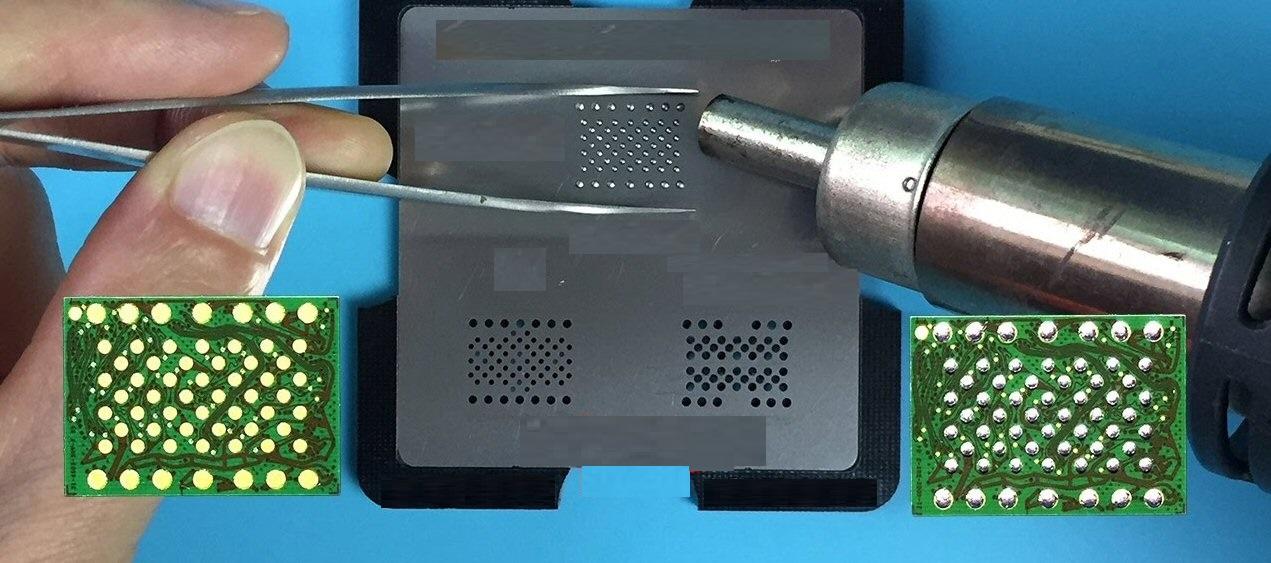
BGA & Programming
- BGA chip reballing intro
- Advanced programming tools
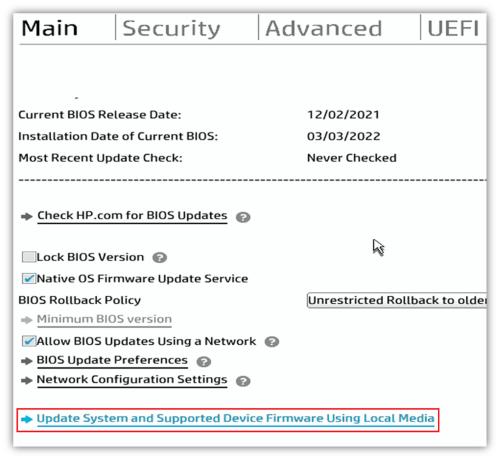
- Firmware update process
Class 23
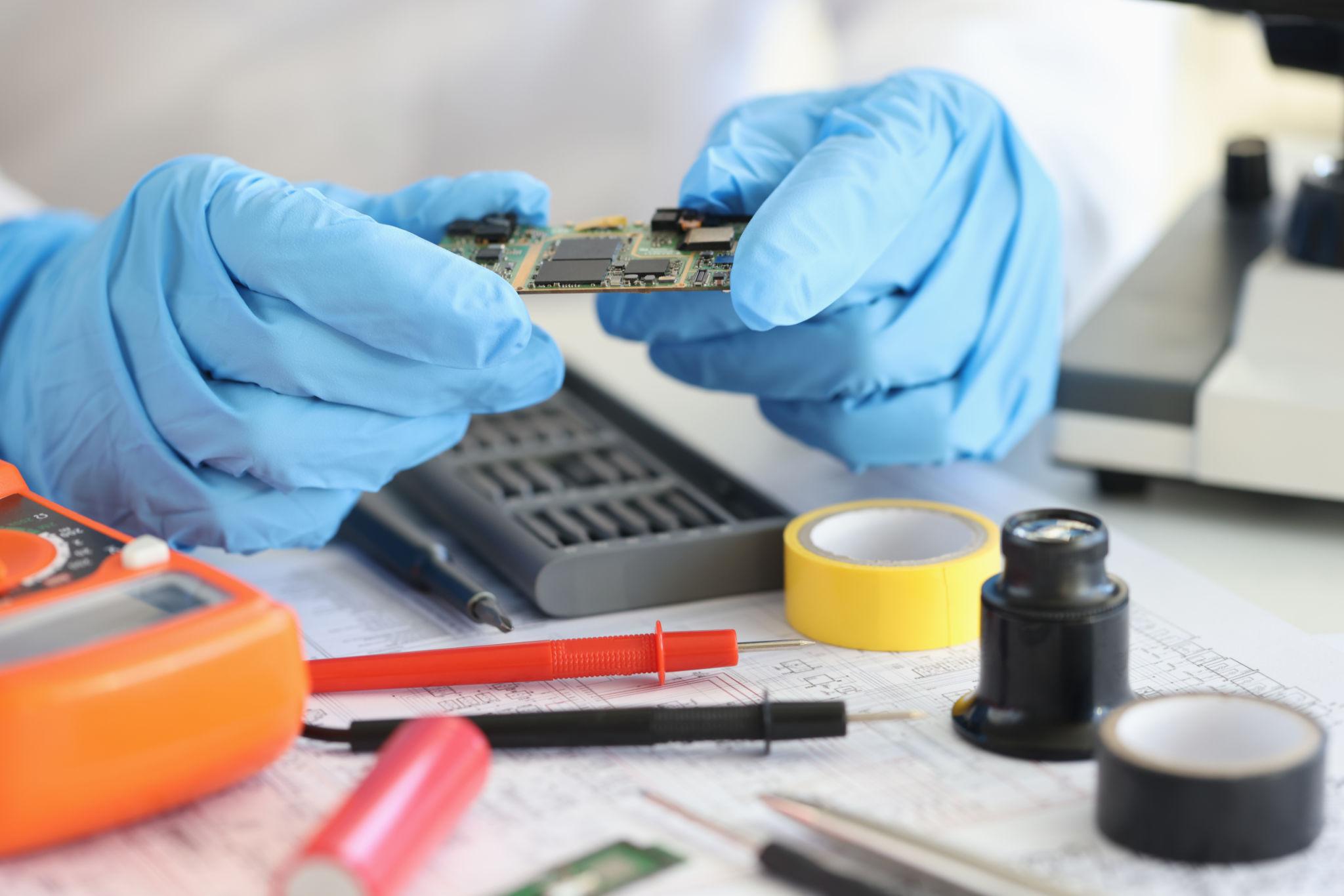
Live Repair
- Real faulty board solve
- Live troubleshooting tips
- Final practical test
Class 24

Business Strategy
- Workshop management
- Customer handling
- Service pricing & ROI